Expanded Anchor Definitions
This document explains the expansion of Anchor definitions. Anchors may now be associated with any stick (component) in an elevation (frame). Default anchor assignments can be made at the elevation master level. Overrides can be made at the elevation variant and order form line item levels.
The order form used to allow anchor assignments for the hinge and strike or inactive hinge jamb. Now it also provides for defining anchors for the Head and Sill.
Anchor Components such as Straps and Covers
This document shows how extra components that are associated with anchors, such as straps, brackets, and covers, can be automatically generated, documented and fabricated simply by selecting the anchor.
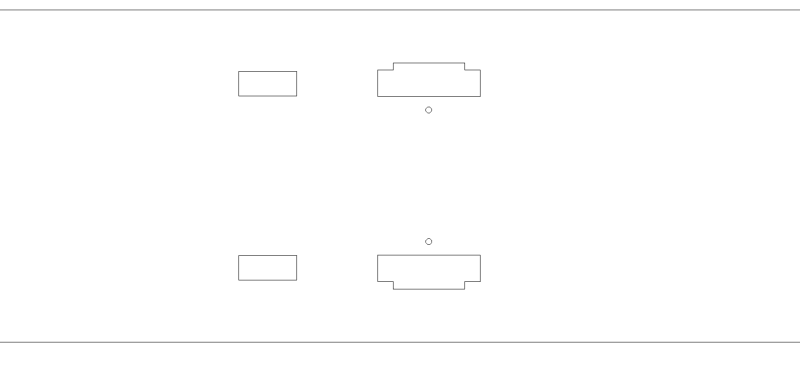
Communicating Symmetric Frames Simplified
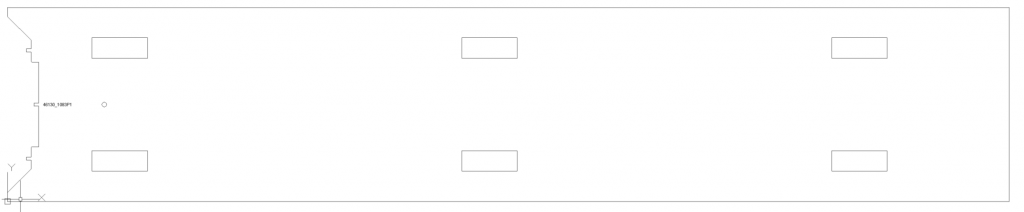
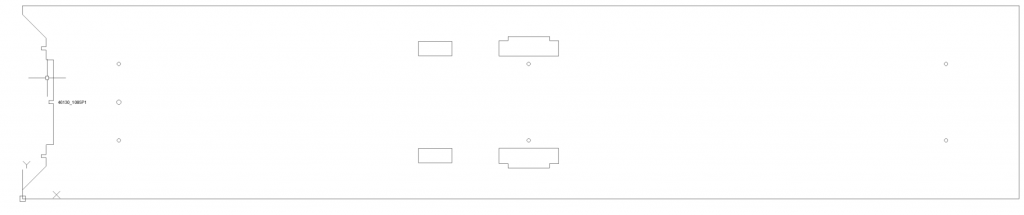
Jambs that have the same preps symmetrically placed on both sides can now be generated automatically without any modifications to the hardware definitions being required.
Sticks with multiple hardware Rabbets
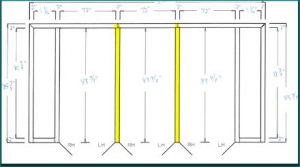
Elevations that require hardware preps to be placed on more than one rabbet include communicating frames in which a door is placed on both sides of a double rabbet jamb, and frames with multiple door openings where a mullion has doors both to the left and to the right, as in the elevation with the double sided mullions pictured blow:
Variables added to engineering processing
A set of variables storing the names of specification sets associated with line items in the engineering system are now available for referencing during processing.
avoiding interference with other features and preps when placing preps
The Ordermation™ engineering system has a powerful function allowing the placement of preps while automatically detecting and avoiding other preps, the +FDRAWAVOIDING command
All of the four following drawings have countersunk mounting holes placed with the exact same command. The holes are placed differently depending on interference:
Hinge Jamb with no interference:
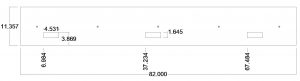
Hinge Jamb With Interference:
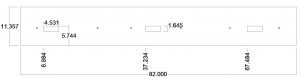
Controlling the Group (Assembly Sheet) Number
By default, Ordermation numbers the groups of products that are combined on one shop traveler document in the order in which they are processed. The order in which products are processed can be controlled by adjusting the GROUPING QUERIES. The GROUPING QUERIES are used to select products with similar enough properties to be represented on the same shop traveler from the opening schedule.
There are cases were a different numbering system is desired.
For example, a customer does not want different line items to be combined into groups. The customer wants each line to be in its own group and have its own assembly traveler sheet. (more…)